
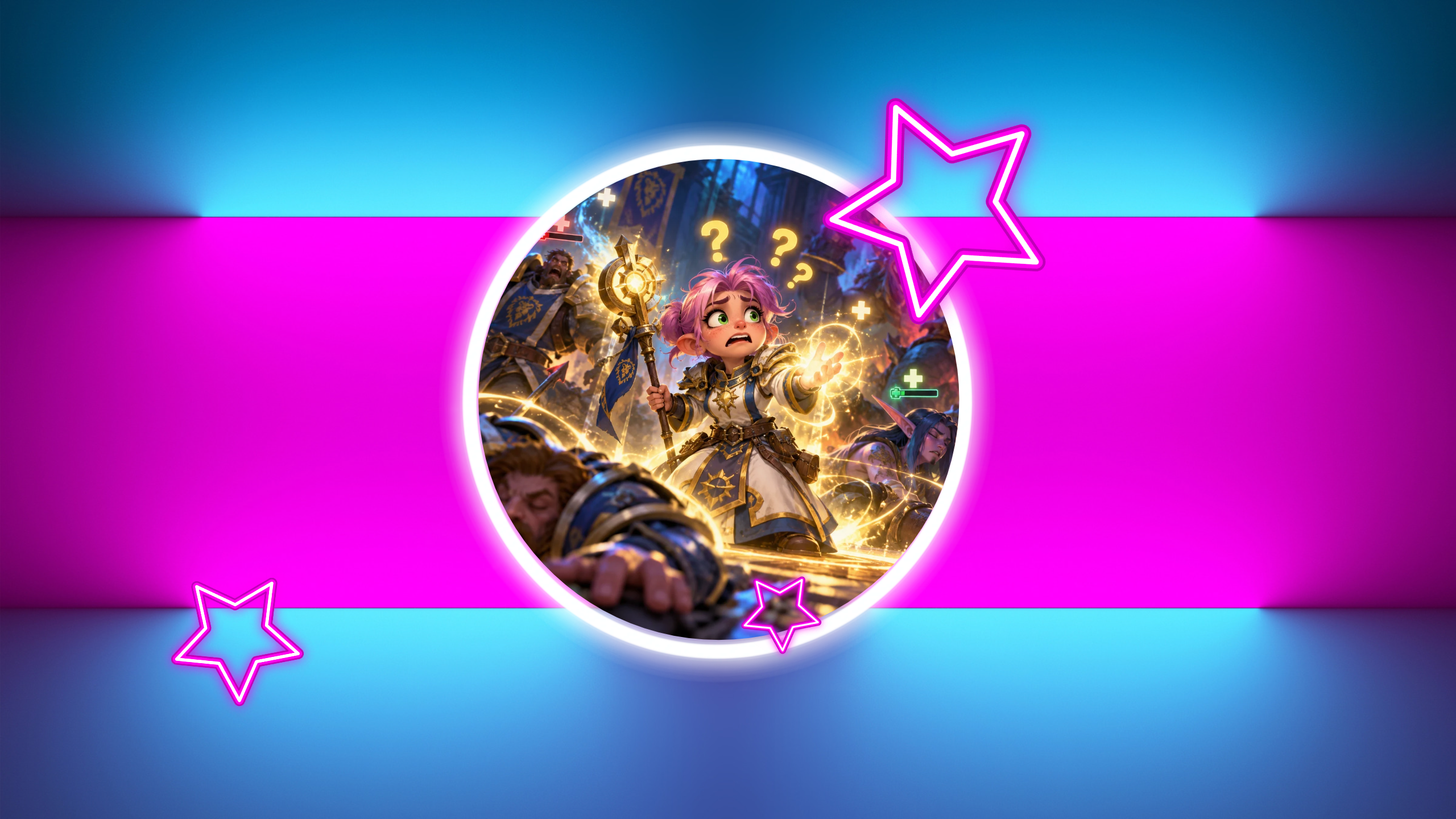
The tank’s health drops. A warning flashes. Something on the floor begins glowing in the deeply suspicious way that means it would rather you weren’t standing there.
And where are your eyes?
On five little rectangles in the corner of the screen, trying to figure out which icon just changed color.
If you’ve ever finished a dungeon and realized you barely saw the dungeon, welcome to a peculiar healer problem. We have become extraordinarily good at building interfaces that tell us everything, then wondering why we feel as though we can see nothing.
This isn’t an argument for deleting your addons, throwing away years of muscle memory, or healing entirely by vibes. Some information is essential. Some customization is an accessibility need. And some healers genuinely thrive with a dense, carefully designed layout.
But if your screen feels more like a flight deck than a fantasy adventure, there is a gentler way to organize it. You don’t need to rebuild everything tonight. You need to decide what deserves your attention right now, what can wait for a glance, and what belongs on a shelf until you actually need it.
I call it the Three-Layer Healer UI.
The real problem: every alert thinks it’s the main character
Most healer interfaces don’t become crowded overnight. You add a party frame because you need to track health. Then a cooldown display because you missed a defensive. Then an alert because you missed the cooldown display. Then a second alert because the first alert was hiding behind your character’s feet.
Each addition makes sense on its own. Together, they can become a small parliament of urgent flashing rectangles, all demanding the floor.
The trouble is not simply how much information you have. It’s how many things are competing to be noticed at the same moment. A dispellable debuff, a teammate’s missing health, an upcoming boss ability, and a cosmetic buff timer do not deserve equal visual authority.
When everything is urgent, you spend energy deciding what to look at before you can even decide what to do. That extra decision is especially rough for returning players who are already relearning spell names, dungeon routes, and what half the new glowing effects mean.
So the goal is not minimalism for its own sake. A beautiful empty screen that conceals a lethal debuff is not a successful design. The goal is a readable hierarchy: the right information, in the right place, at the right moment.
The Three-Layer Healer UI
Think of your screen as three zones, each with a different job. The closer information sits to the action, the faster it should help you make a decision. The farther away it sits, the less frequently you should need it during a pull.
Layer 1: Act Now, near your character
This is the information that changes what you do in the next second or two. It belongs near the area where you already watch movement, enemies, and your character.
Examples include an important enemy cast, a dangerous ground effect, a critical personal defensive becoming available, or a boss warning that means move now. Your exact selection will depend on the content you play and the tools your version of WoW supports.
Layer 1 should be small and selective. You are not trying to reproduce your entire action bar in the center of the screen. You are giving the genuinely urgent information a clear place to land.
A useful test: if this indicator vanished for ten seconds, could that cause an immediate mistake? If yes, it might belong here. If the answer is merely ‘I like knowing it,’ it probably doesn’t.
Be careful with duplicates. If the game already provides a clear warning for an important cast, ask whether another giant icon and a second sound actually help. Sometimes they do. Sometimes they just make the first warning harder to notice.
Keep your character and the surrounding floor visible. A warning that helps you survive one mechanic but hides the next one is a remarkably expensive bargain.
Layer 2: Patient Status, in your party or raid frames
This is your healer’s workbench: who needs help, who is in danger, who has a relevant effect, and which teammate needs your next spell.
For five-player content, place your party frames close enough to your normal field of view that checking them feels like a glance rather than a journey. They do not have to sit directly beneath your character. They do have to be easy for you to read while moving.
Make health levels unmistakable. Make important dispellable effects visible. Keep relevant heal-over-time or class-specific status information where you can interpret it without deciphering a row of tiny stamps. If you use click-casting or mouseover bindings, preserve the controls that let you respond comfortably.
But resist the temptation to turn every frame into a miniature character sheet. A teammate’s health, a dangerous debuff, and a major defensive may matter during a pull. A dozen minor icons often don’t.
Here is the question that cleans up Layer 2: ‘Will this change who I heal, what I cast, or whether I wait?’ If not, it may not need permanent space on your patient frames.
Readable is more important than compact. If you need larger frames, stronger contrast, or more obvious debuff markers, use them. This framework is about reducing competition for your attention, not making everything tiny.
Raid healing may require different positioning, sizes, and priorities than a five-player dungeon. That is fine. The layers are a decision-making model, not a sacred pixel map.
Layer 3: Reference, farther from the action
This is the shelf for information that helps you plan but does not need to interrupt every moment: longer cooldowns, secondary utility, less urgent resource details, or a boss timeline you consult between bursts of action.
Put it at the edges of your comfortable viewing area, not in a place where you will never find it. Reference does not mean irrelevant. It means you choose when to look, instead of the interface constantly dragging your eyes there.
For example, knowing that a large healing cooldown will be ready in forty seconds may shape your plan. You probably don’t need a flashing centerpiece announcing that fact for the entire forty seconds.
This is also where optional information can live when you’re learning a specialization. A returning Restoration Shaman might appreciate a visible reminder of a utility ability. A Preservation Evoker learning unfamiliar tools may want more reference support for a while. As the knowledge becomes familiar, some reminders can graduate off the screen.
Your UI should be allowed to change as you learn. Keeping training wheels forever isn’t a moral failing, but you also don’t have to keep every training wheel you have ever attached.
The 20-minute cockpit audit
Before changing anything, take a screenshot of your current UI and save your existing profile or layout if your tools allow it. The ability to go back makes experimentation far less intimidating.
Now open your interface somewhere safe, preferably outside combat, and look at every cluster of icons, bars, warnings, and frames.
First, label each cluster: Act Now, Patient Status, or Reference. Don’t move anything yet. Just decide what job it is supposed to do.
Second, circle duplicates. Do you have two different indicators for the same cooldown? Three warnings for one mechanic? A buff icon repeated in the center, on your target, and inside your party frames? Decide which version you actually use.
Third, identify the orphans. These are elements you cannot confidently place in any layer. Maybe they were important two expansions ago. Maybe a guide told you to install them. Maybe you simply don’t remember what they do.
Don’t immediately delete an orphan if it might be important for accessibility, class mechanics, or difficult content. Hide or disable one low-risk item at a time, make a note of what you changed, and test in forgiving content. If something important disappears, restore it.
Fourth, check your sightline. Can you see your feet, the nearest enemy cast, and your party’s health without sweeping your gaze from one edge of the monitor to the other? If not, consider moving the most important clusters closer together.
Finally, stop. Twenty minutes is enough for one pass. This is supposed to make your next dungeon easier, not become a six-hour home renovation project with a side quest in font selection.
Try the UI detox dungeon
The best way to test an interface is to use it, but please don’t make an unfamiliar high-stakes key your experimental laboratory. Pick an easy dungeon or other forgiving group content appropriate to your level. Tell friends you’re testing your UI if that makes the run more comfortable.
Run 1: Notice
Play with your current setup. After each boss, ask yourself: Where were my eyes? What did I miss in the world? Which alert actually changed my decision? You are gathering evidence, not grading your performance.
Run 2: Remove one duplicate
Choose one redundant indicator or nonessential visual element. Disable only that item. Keep the information you rely on for dangerous mechanics, dispels, accessibility, and healing decisions. Run similarly easy content again.
Run 3: Reposition
Move one important element into the layer where it belongs. Maybe party frames come a little closer to center. Maybe a long cooldown tracker moves away. Maybe a warning gets smaller so you can see the floor beneath it.
Run 4: Keep what earns its place
After another run, ask what you missed. Restore anything whose absence made play less safe or more stressful. Keep changes that made your decisions clearer. There is no trophy for having the fewest addons, and no shame in discovering that a particular tracker really is useful.
If you have only twenty minutes tonight, do one stage. The experiment works better as a series of small adjustments than as a dramatic midnight purge.
What Midnight changed, and what it didn’t
World of Warcraft’s Midnight era makes this conversation especially relevant. Blizzard changed how combat addons can access and process live combat information, while continuing to allow many kinds of visual customization. In its official explanations, Blizzard drew a distinction between displaying information and having addons analyze combat state to make decisions.
The built-in interface has also been evolving. Blizzard’s Midnight pre-expansion notes describe improvements to the Cooldown Manager, boss warnings, and layout options. Later notes included larger default raid frames and additional customization. Those are useful starting points, especially for someone rebuilding an old healer setup.
That does not mean the default UI is perfect for every healer. It also does not mean every addon is gone or that a third-party frame package is automatically better. Different specializations, group sizes, and accessibility needs still call for different solutions.
Start by seeing what the current game already shows you. Then add or customize only what solves a problem you can name. Check current patch notes before following an older setup guide, because a once-essential workaround may now be built in, or an older addon feature may no longer work the same way.
Most importantly, do not confuse the game’s changing addon rules with the underlying principle. Whether an indicator comes from Blizzard’s UI or an addon, it still needs a clear job.
How to tell whether your UI is actually better
A cleaner screenshot is pleasant, but it isn’t the victory condition. After a few low-pressure runs, look for changes in your experience.
Did you notice more of the dungeon around your character? Were dangerous casts or floor effects easier to catch? Could you identify the teammate who needed help without reading six other icons first? Did you feel less compelled to stare at the frames between every spell?
There is also a less obvious measure: how easily could you recover after a mistake? A useful interface should help you regain your bearings, not punish you with another avalanche of alerts.
If you miss critical information, the layout needs another adjustment. If you can finally see the encounter while still keeping your party safe, you’re moving in the right direction.
You are allowed to look up from the dashboard
Healing can feel intensely personal. Someone’s health bar empties and your brain immediately starts writing a performance review. That pressure makes it tempting to install one more warning, one more tracker, one more safety net.
Sometimes the missing piece really is information. Other times, the missing piece is space to notice what is already happening.
The Three-Layer Healer UI is not a perfect configuration you download. It is a habit of asking every visual element to justify the attention it consumes: Do I need to act now? Do I need to understand a patient’s status? Or is this useful reference material for later?
Try one small change before your next easy dungeon. Save your old layout, move one thing, remove one duplicate, and pay attention to how the run feels. You can always put something back.
Azeroth is full of wonderful, ridiculous things happening beyond the party frames. The point of building a better healer UI is not to become a more efficient rectangle-watcher.
It’s to heal your group and still get to see the adventure.
No Comments yet!